




Smart Vent Register Booster Fan
- Regular price
-
$96.00 CAD - Regular price
-
$149.00 CAD - Sale price
-
$96.00 CAD
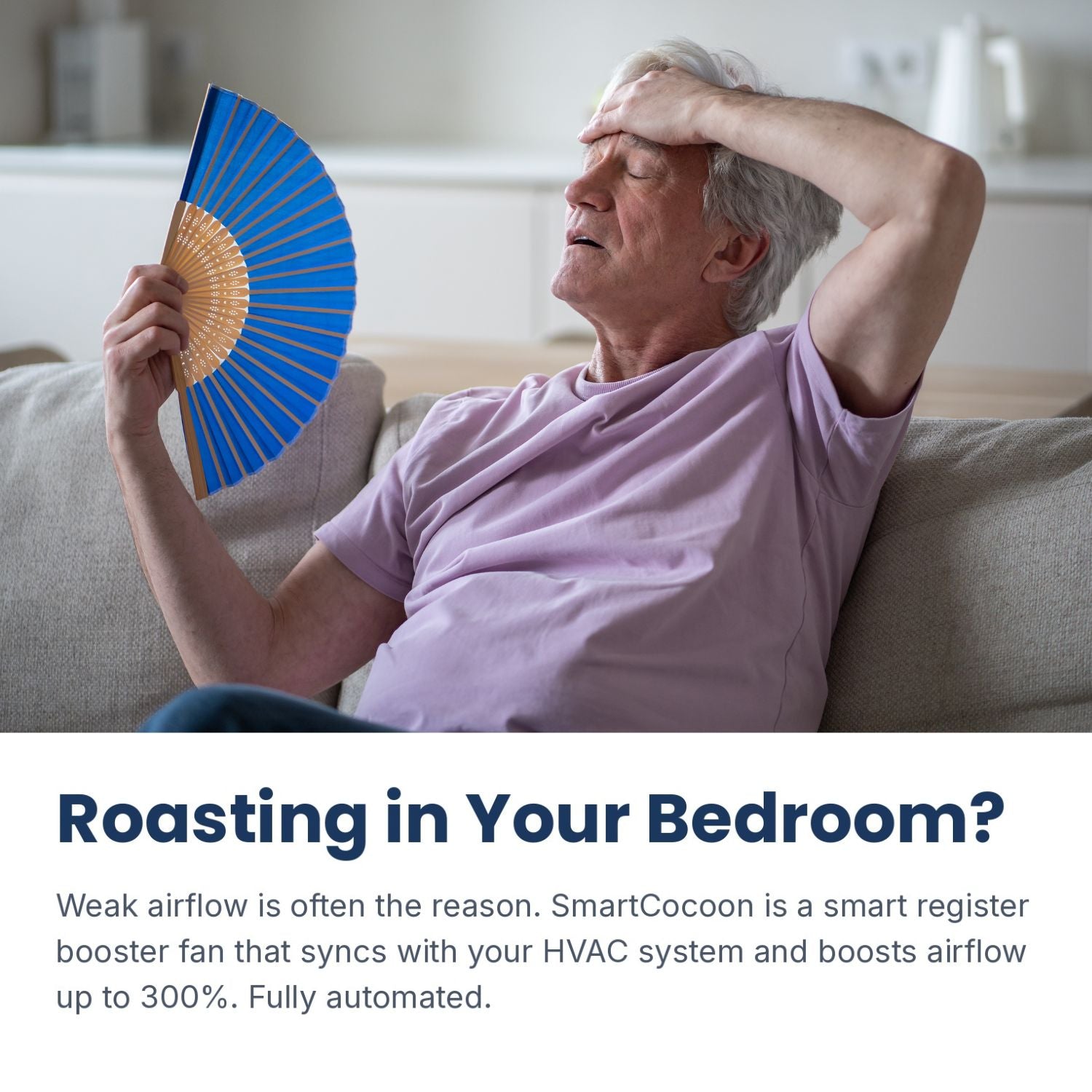
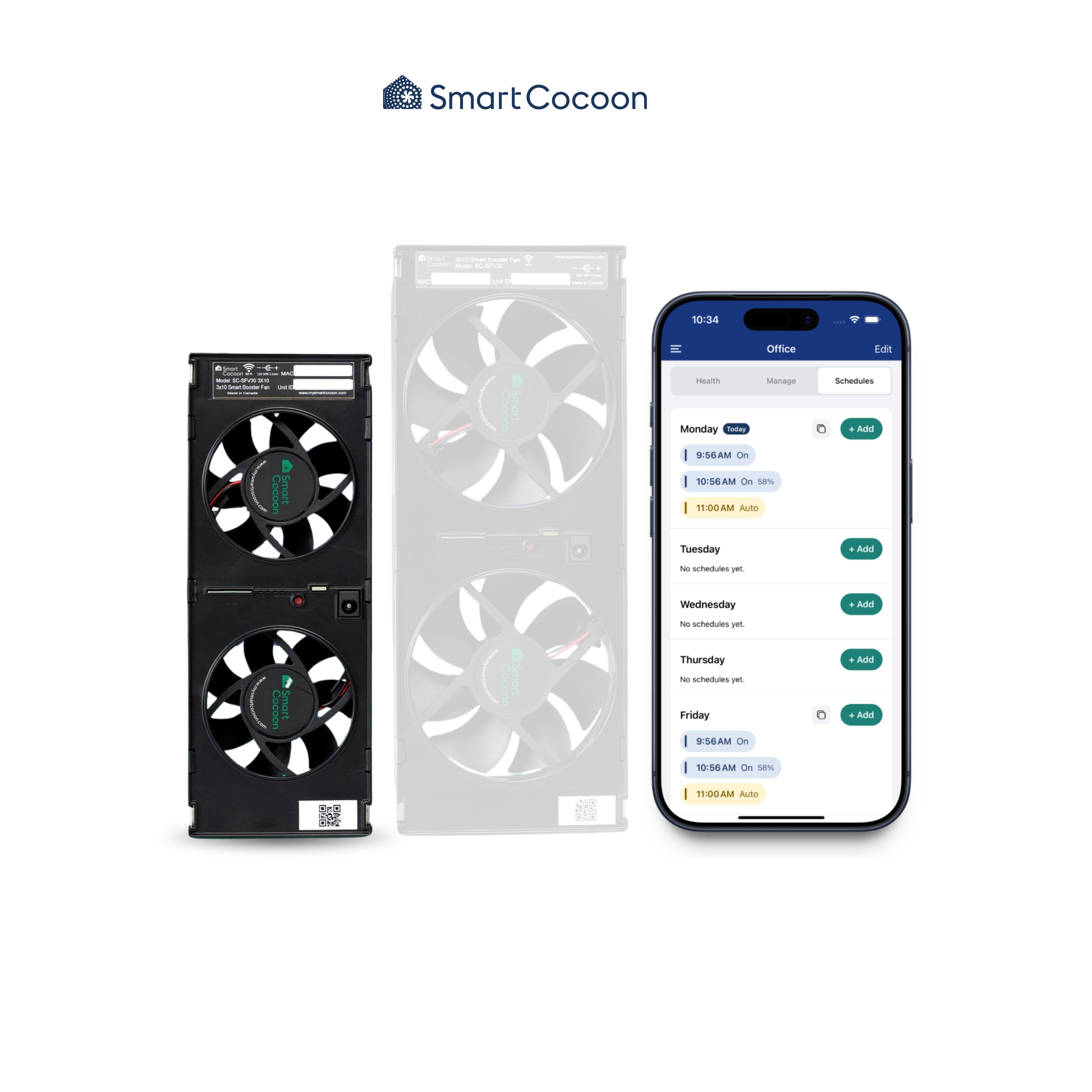
We get it! There’s always that one room that’s either too hot or too cold. It’s usually the room above the garage, the basement, or the room farthest from your heat or cooling source. The problem often lies in insufficient airflow, preventing fresh air from getting to the room. We have an easy solution! The SmartCocoon booster fan increases airflow by up to 300%, helping your HVAC system work smarter and faster. It automatically syncs with your HVAC system and works with any thermostat, including full integration with Ecobee and Google Nest.
Key features
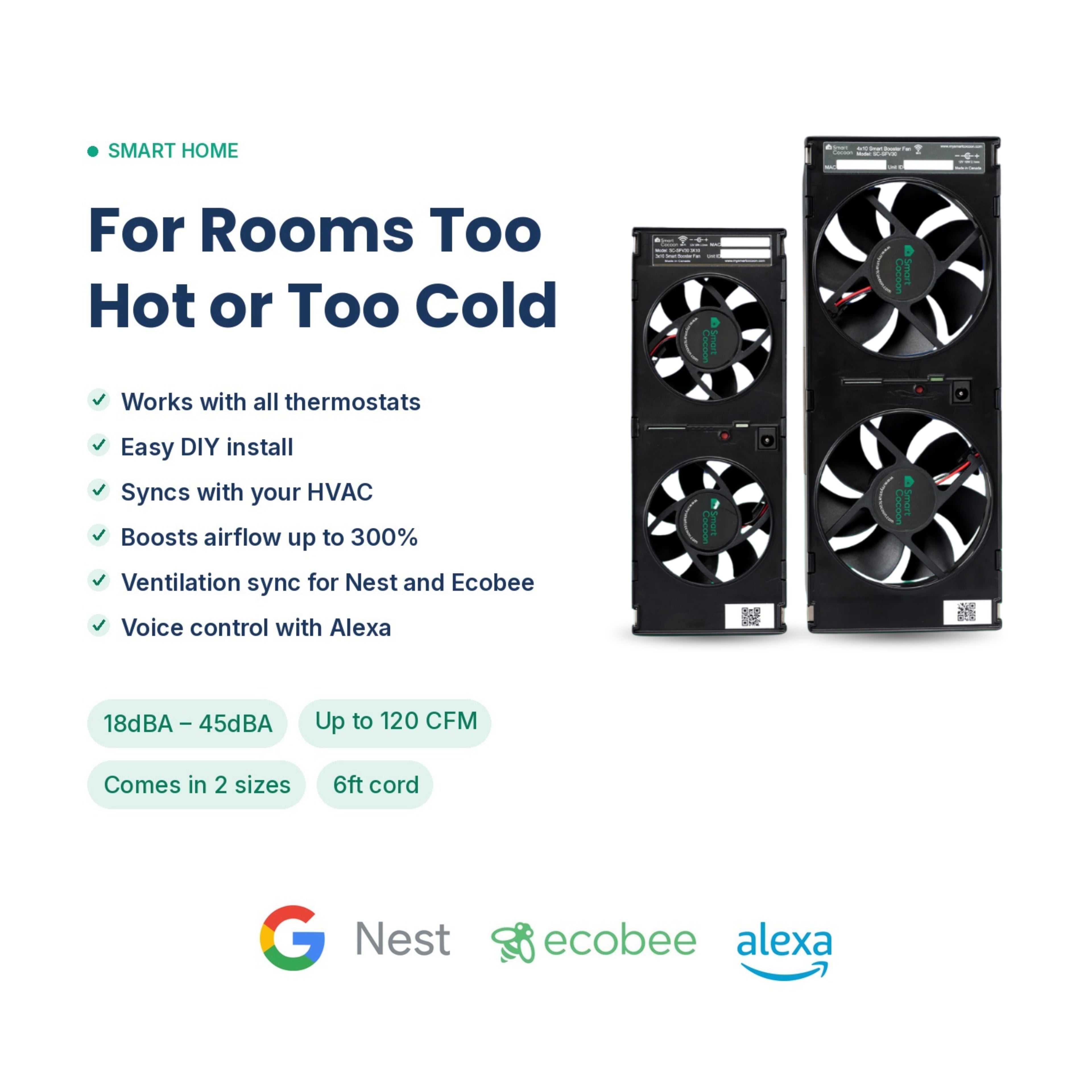
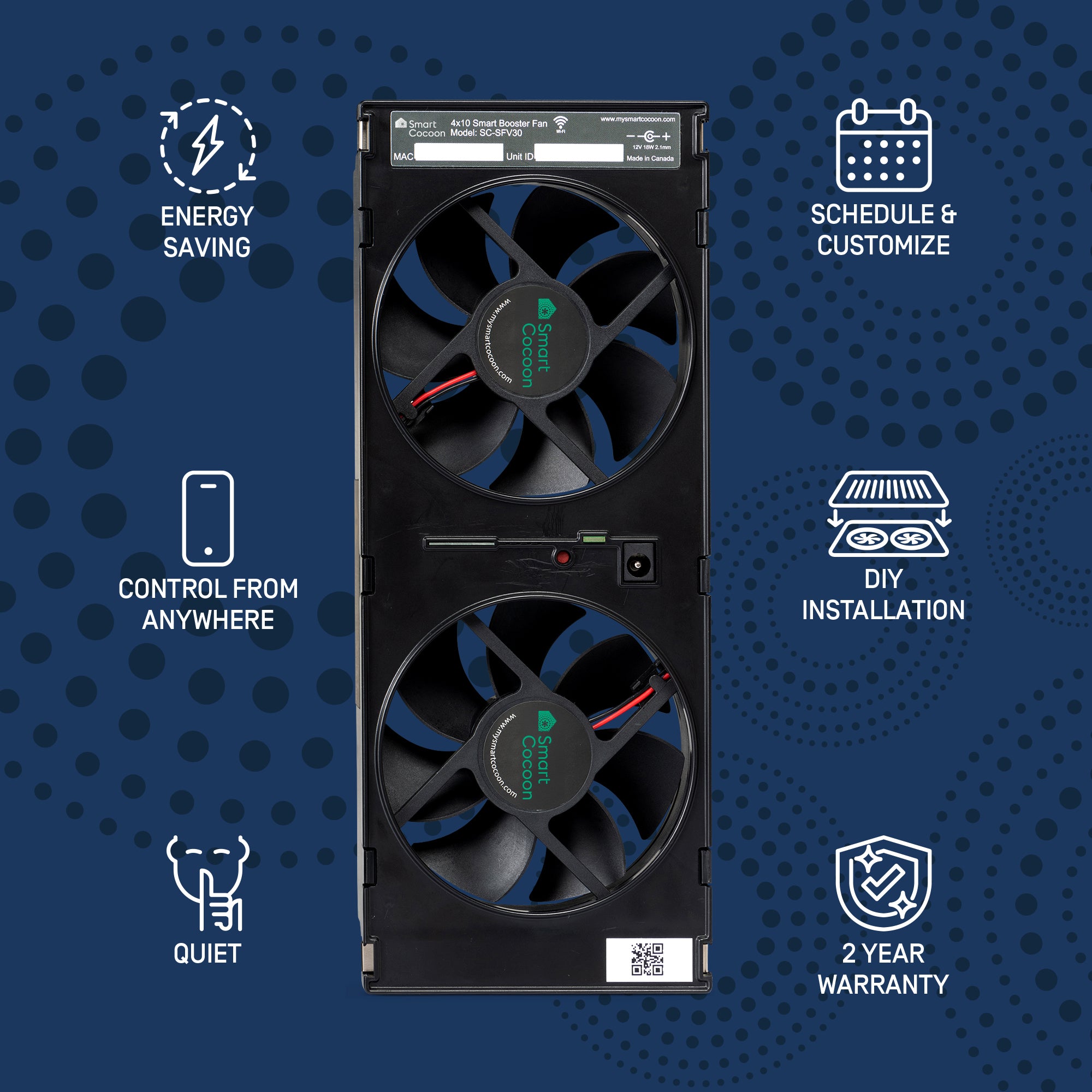
- Boosts Airflow by 300%: Delivers the right temperature to every room.
- Shuts Off 70% Faster: Reduces HVAC run time, saving you energy.
- Easy DIY Setup: Plug it in and sync with your thermostat in minutes.
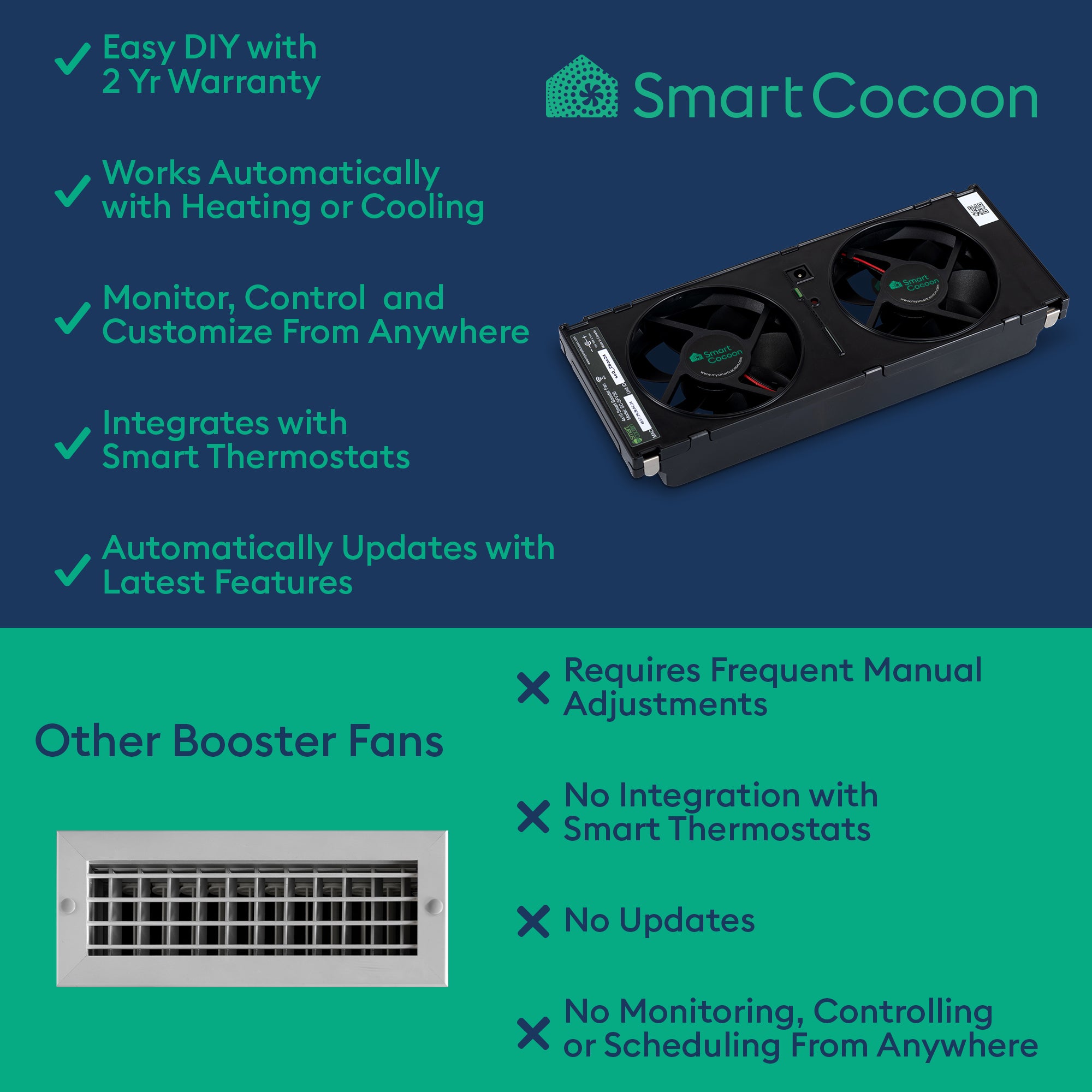
- Works with All Thermostats: Fully compatible with both smart and conventional thermostats.
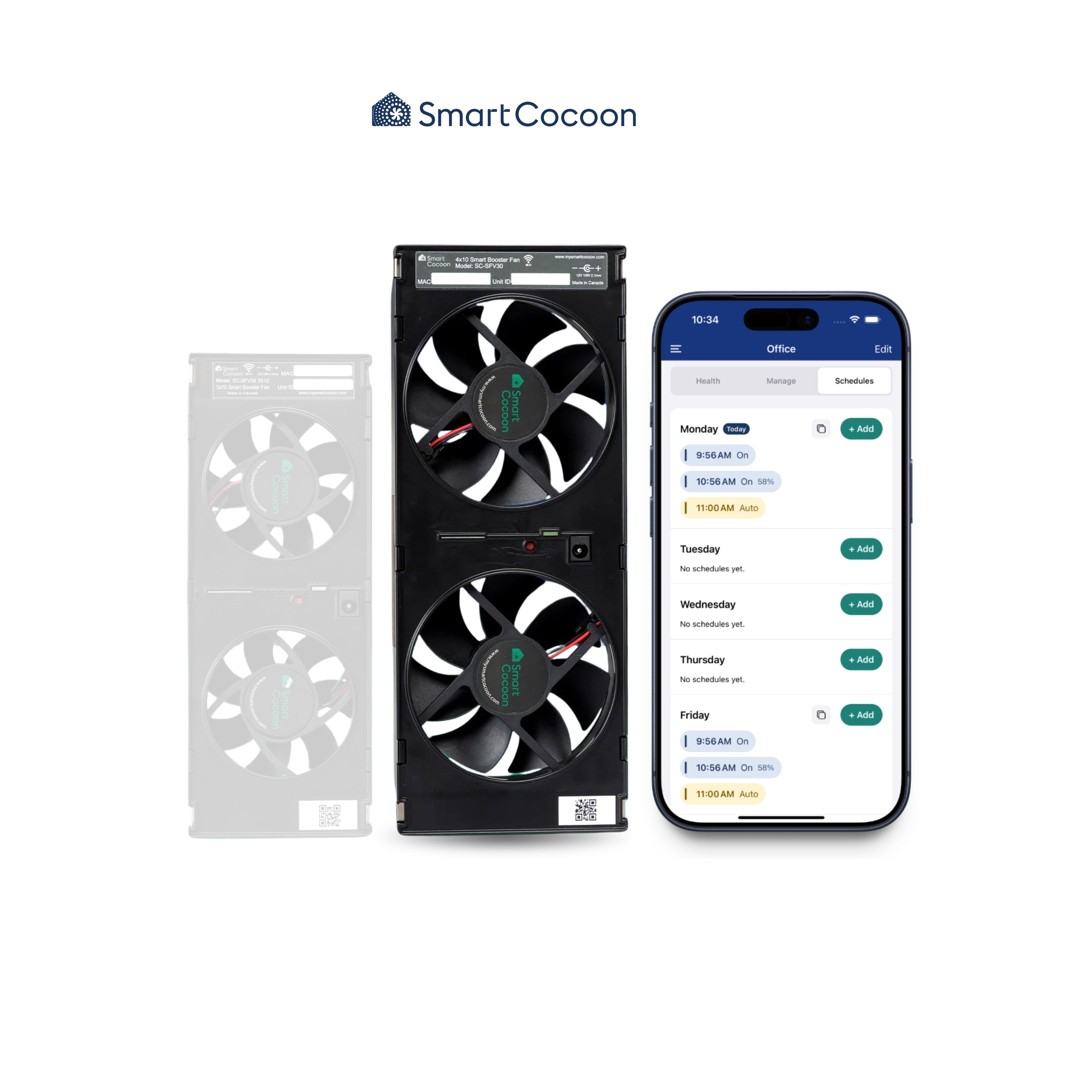
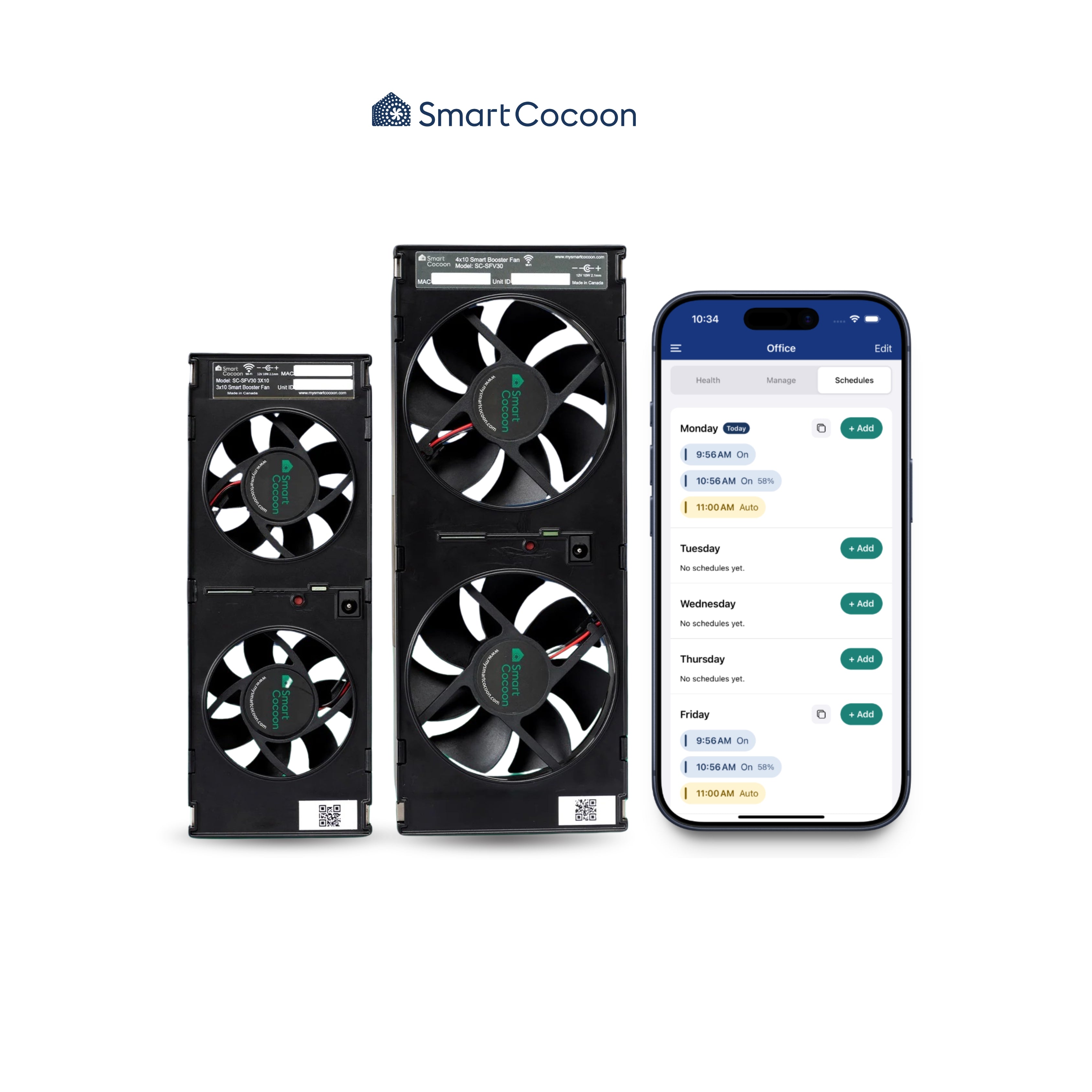
- Full Control via the SmartCocoon App: Manage settings and customize performance from your phone.
- Quiet Operation: The 4x10 unit runs at just 28 dBA in default mode and up to 39 dBA in turbo mode. The 3x10 unit operates at 33 dBA in default mode and up to 45 dBA in turbo mode.
- Designed for Discretion: Quieter than a distant refrigerator, it blends effortlessly into your home for comfort without distraction.
App Features
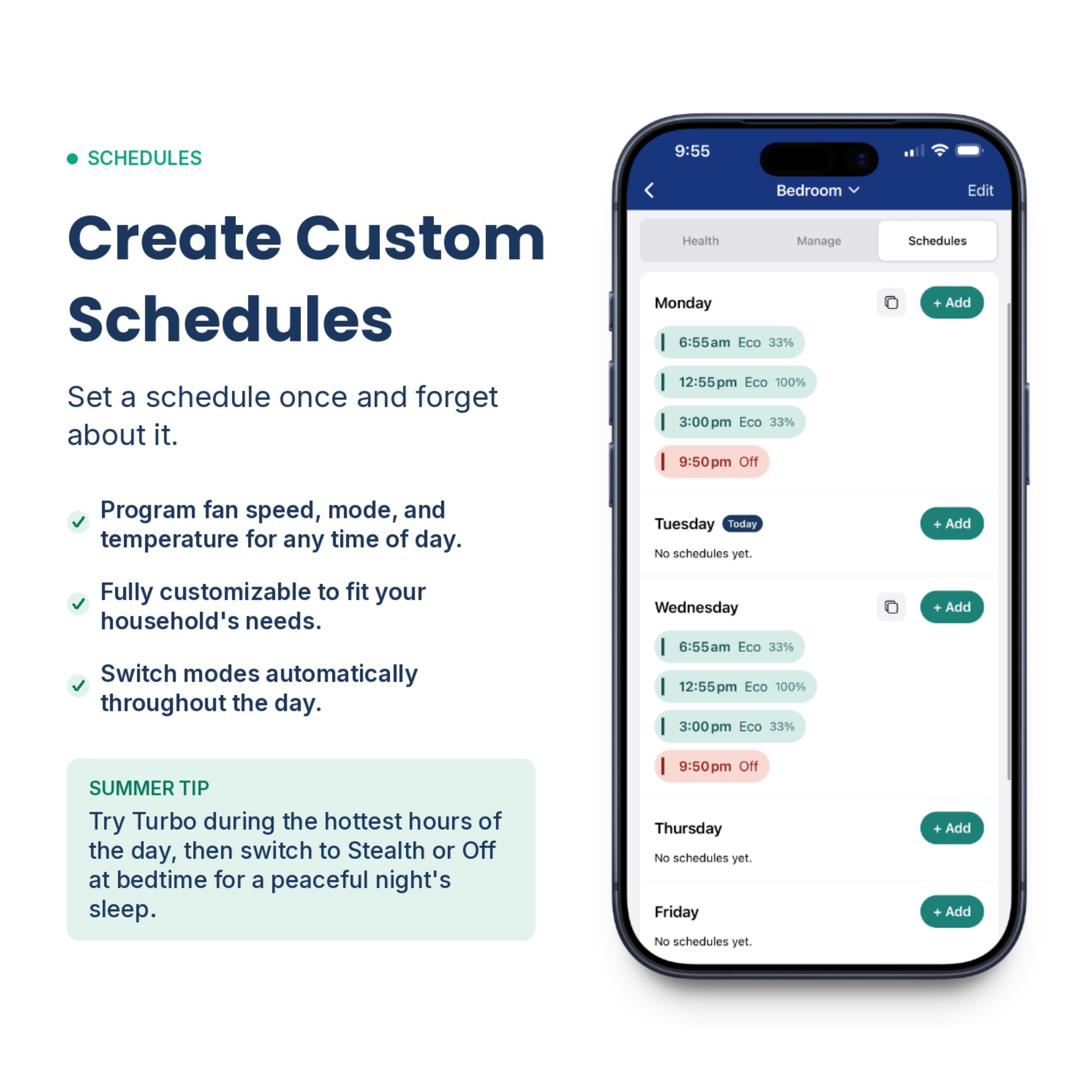
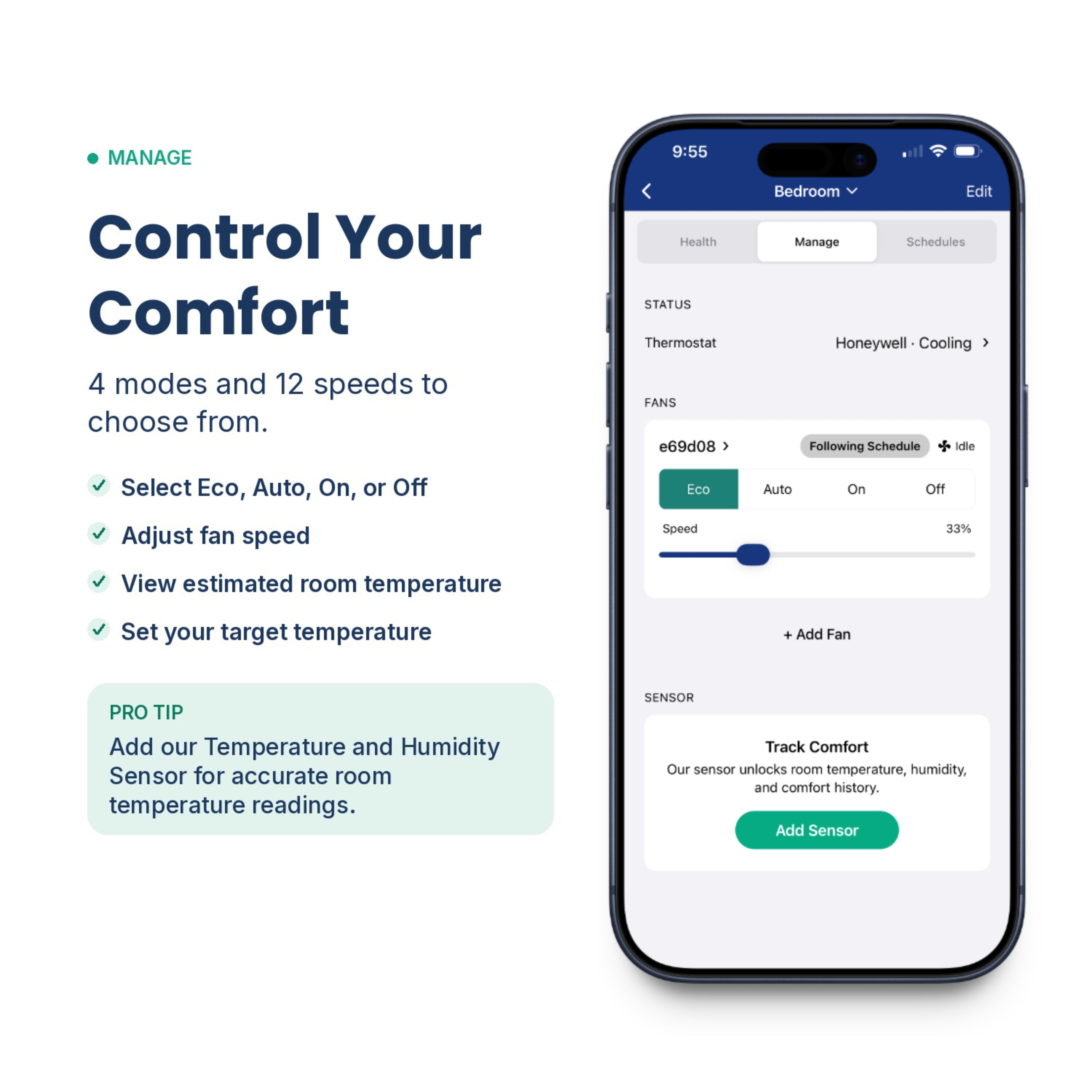
- Adjust Fan Speed: Control airflow directly from the app.
- Set Room-by-Room Temperatures: Customize the temperature in each room, year-round.
- Create Temperature Schedules: Set schedules for optimal comfort and energy savings.
- Control Fan Power: Switch the fan on or off whenever needed.
- Eco Mode: The fan turns on when heating or cooling is active and shuts off when it's not.
Product Benefits
- Faster Temperature Adjustment: Heat or cool rooms faster, without waiting.
- Optimized Airflow: Directs air where it’s needed most, reducing energy waste.
- Lower Energy Bills: Less strain on your HVAC system means more savings.
- Improved Air Quality: Circulates fresh air throughout your home, creating a healthier environment for both humans and pets.
- Stable Climate: Maintains a balanced temperature during extreme weather, promoting comfort and well-being.
Product Specifications
Product Specifications (4"x10" devices):
- Dimensions: (LxWxH) 245x95x35 mm (9.6”x3.7”x1.3”)
- Airflow: 80 CFM at the default RPM, Max: 120 CFM
- Noise level: 28 dBA at default RPM
- Cord length: 150 cm (6ft)
- Power Supply: 12VDC 2.1X5mm (included in the packaging)
- Material: Fire Retardant Compound
Product Specifications (3"x10" devices):
- Dimensions: (LxWxH) 200x70x35 mm (7.8”x2.7”x1.3”)
- Airflow: 60 CFM at the default RPM, MAX: 90 CFM
- Noise level: 33 dBA at default RPM
- Cord length: 150 cm (6ft)
- Power Supply: 12VDC 2.1X5mm (included in the packaging)
- Material: Fire Retardant Compound
System Requirements
- Forced air HVAC system
- Wall outlet within 6 feet
- Wi-Fi Connection (for app use, recommended for extra features)
- Mobile Device Running iOS or Android (for app use, recommended for extra features)
Additional Information
- 30-day money-back guarantee
- 2-year warranty
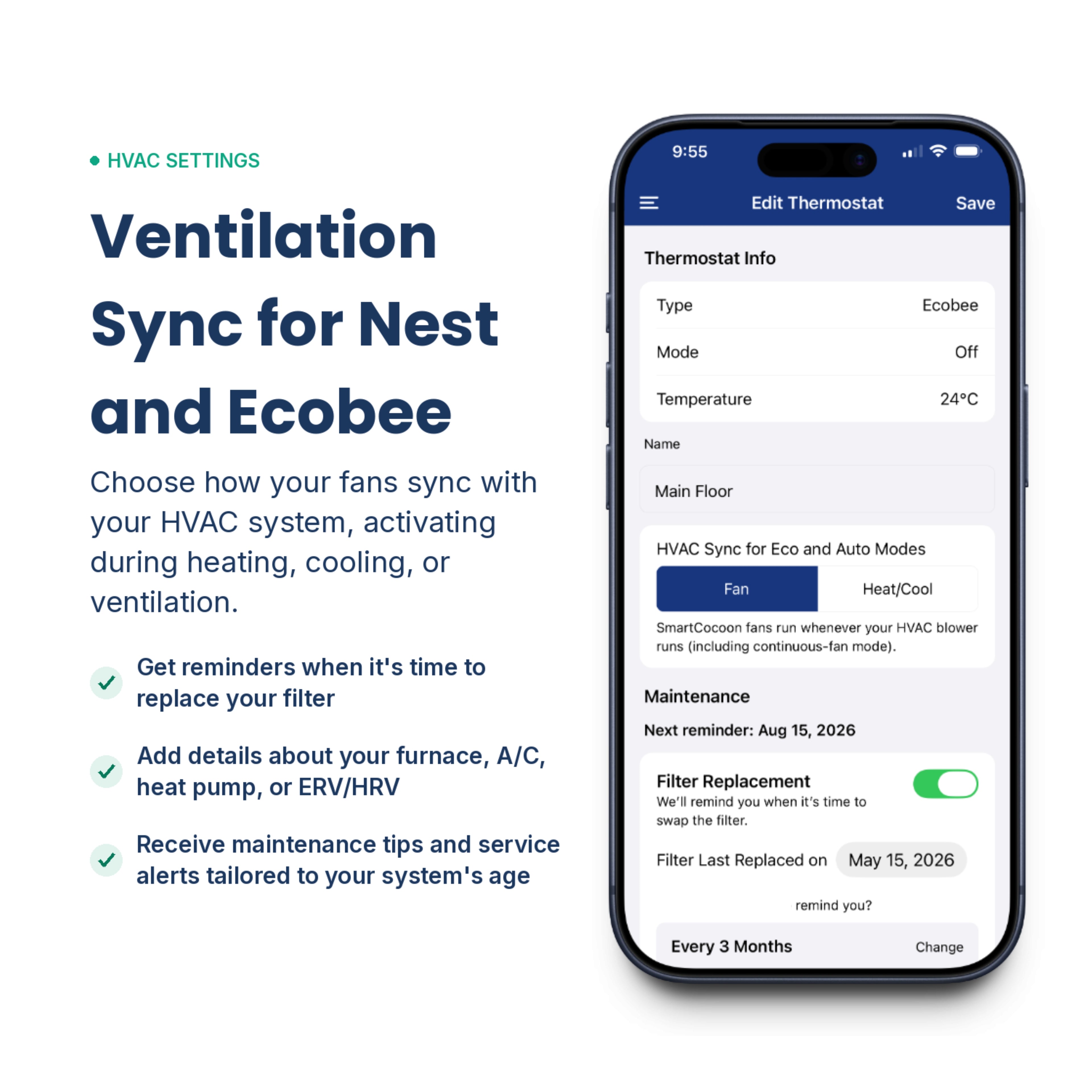
- Additional features available for Ecobee and Nest users
Couldn't load pickup availability
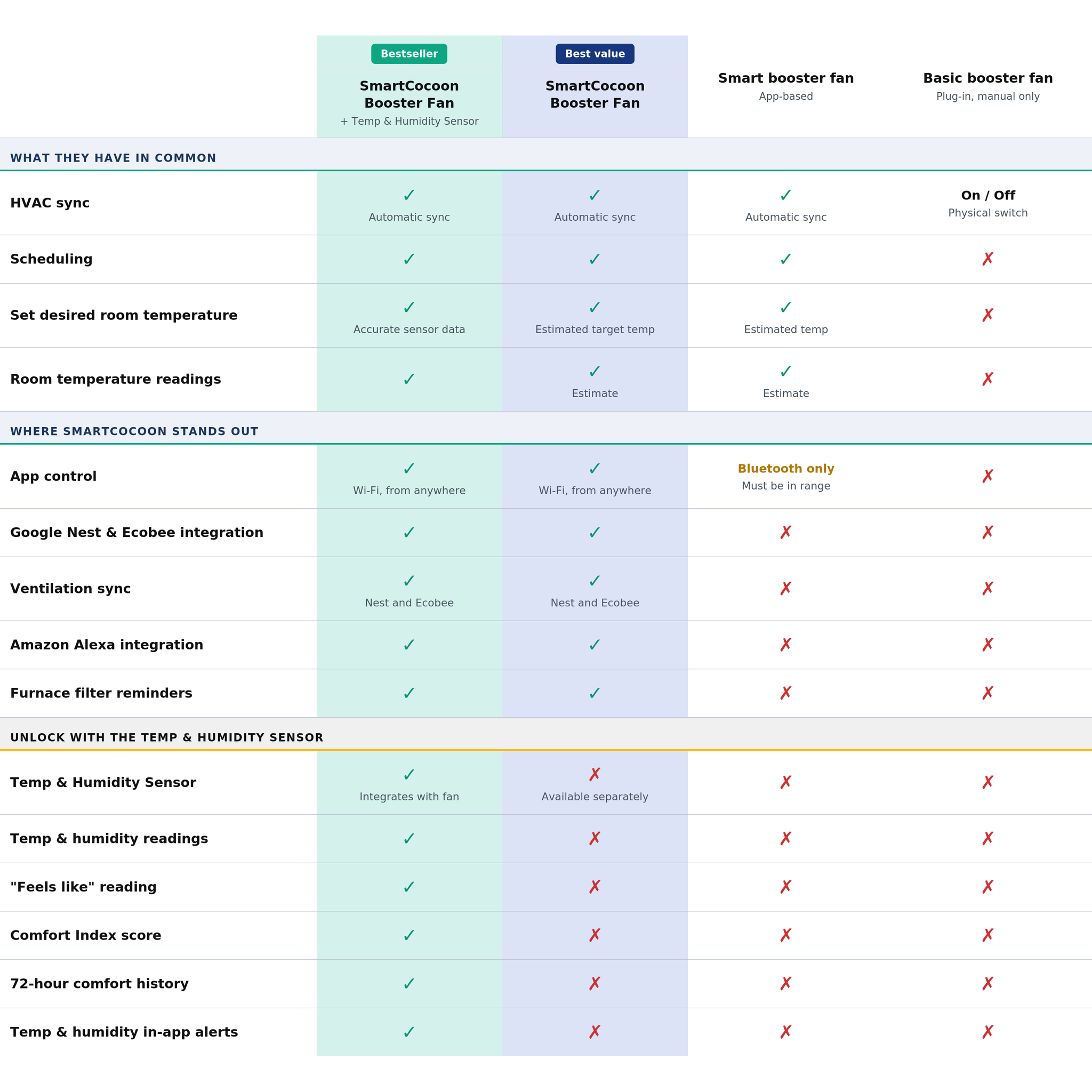



See What Sets SmartCocoon Apart
|
Bestseller
Best value
SmartCocoon
Booster Fan + Temp & Humidity Sensor
SmartCocoon
Booster Fan |
Smart booster fan
App-based
|
Basic booster fan
Plug-in, manual only
|
||
|---|---|---|---|---|
| What they have in common | ||||
| Works with all thermostats | ✓ | ✓ | ✓ | ✓ |
| HVAC sync | ✓Automatic sync | ✓Automatic sync | ✓Automatic sync | On / OffPhysical switch on unit |
| Internal sensor | ✓Reads duct temperature | ✓Reads duct temperature | ✓Reads duct temperature | ✗ |
| Scheduling | ✓ | ✓ | ✓ | ✗ |
| Set desired room temperature | ✓Fan auto-adjusts to reach your target temp using accurate sensor data | ✓Fan auto-adjusts to reach your estimated target temp | ✓Estimated temperature | ✗ |
| Room temperature readings | ✓ | ✓Estimate | ✓Estimate | ✗ |
| Where SmartCocoon stands out | ||||
| 3×10 and 4×10 sizes | ✓ | ✓ | 4×10 only | 4×10 only |
| App control | ✓Wi-Fi, control from anywhere in the world | ✓Wi-Fi, control from anywhere in the world | Bluetooth onlyMust be in range to control | ✗ |
| Google Nest integration | ✓ | ✓ | ✗ | ✗ |
| Ecobee integration | ✓ | ✓ | ✗ | ✗ |
| Ventilation sync | ✓Yes, for Google Nest and Ecobee | ✓Yes, for Google Nest and Ecobee | ✗ | ✗ |
| Amazon Alexa integration | ✓ | ✓ | ✗ | ✗ |
| Speed levels | ✓12 speeds | ✓12 speeds | Fewer speeds | ✗Fixed speed |
| Furnace filter change reminders | ✓ | ✓ | ✗ | ✗ |
| In-app installation & troubleshooting guides | ✓ | ✓ | ✗ | ✗ |
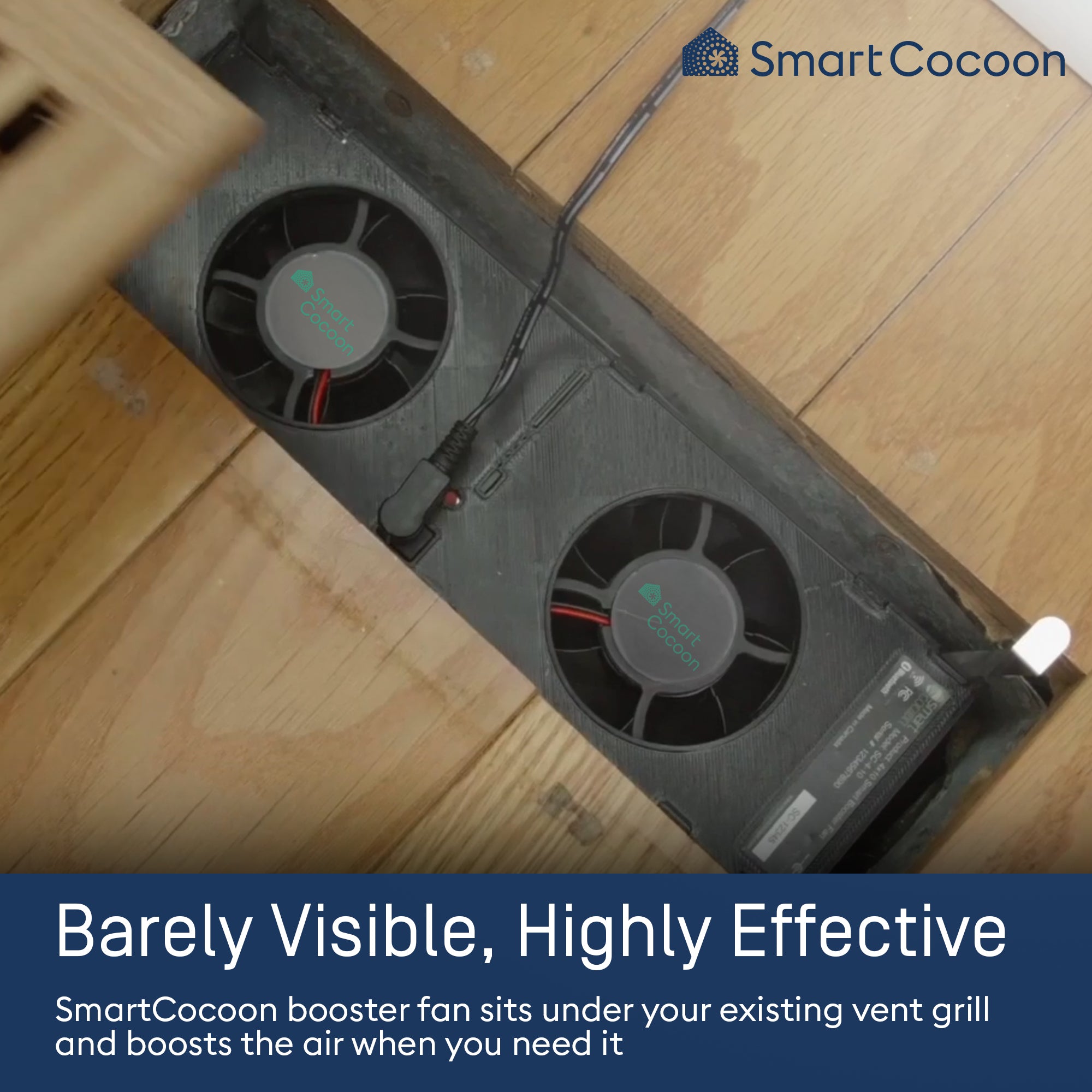
| Keep your existing vent cover | ✓Installs inside the vent, completely hidden | ✓Installs inside the vent, completely hidden | ✗Replaces your existing cover | ✗Replaces your existing cover |
| Custom wood vent cover | ✓Available for purchase | ✓Available for purchase | ✗ | ✗ |
| Unlock with the Temp & Humidity Sensor | ||||
| Temp & Humidity Sensor | ✓Integrates directly with fan | ✗Available separately | ✗ | ✗ |
| Humidity readings | ✓ | ✗ | ✗ | ✗ |
| "Feels like" reading | ✓ | ✗ | ✗ | ✗ |
| Comfort Index score (0–100) | ✓ | ✗ | ✗ | ✗ |
| 72-hour comfort history | ✓ | ✗ | ✗ | ✗ |
| Temperature & humidity in-app alerts | ✓ | ✗ | ✗ | ✗ |
Get your SmartCocoon booster fan today for a smarter, more efficient home!
-
30-day money-back guarantee
-
2 year warranty
-
Do it yourself installation
FAQs
How does this product improve the efficiency of my HVAC?
SmartCocoon booster fans use AI to improve airflow, helping your HVAC system work smarter and more efficiently. By automatically adjusting airflow, these fans ensure your home stays at the right temperature without overworking your heating or cooling system.
Here’s how they make a difference:
● Faster heating and cooling: The fan helps rooms reach the desired temperature quicker, allowing your HVAC system to shut off sooner. This reduces its run time by up to 70%, lowering energy use and utility bills.
● Better temperature balance: By redirecting airflow within the ducts, the fan helps even out hot and cold spots in different rooms, preventing discomfort caused by sudden temperature changes.
● Less energy loss: In homes with long or complex duct systems, air can get trapped or lose its effectiveness before reaching rooms. SmartCocoon fans pull this trapped air through the ducts, making sure more of the warm or cool air actually reaches your living space.
By optimizing airflow, SmartCocoon booster fans enhance comfort, reduce strain on your HVAC system, and help you save energy without sacrificing temperature control.
Do I need a smart thermostat like Nest or Ecobee to use this device?
No, you don’t need a smart thermostat like Nest or Ecobee. The SmartCocoon booster fan works with all types of thermostats, whether smart or conventional. It automatically connects to your existing thermostat and syncs with your heating and cooling systems using its advanced AI algorithm.
How many SmartCocoon booster fans do I need and where should I install them?
You only need to install SmartCocoon booster fans in rooms that don’t get enough airflow and feel too hot or cold. The number of fans depends on how many rooms need better temperature control.
What sizes to you have and how do I know which one I need?
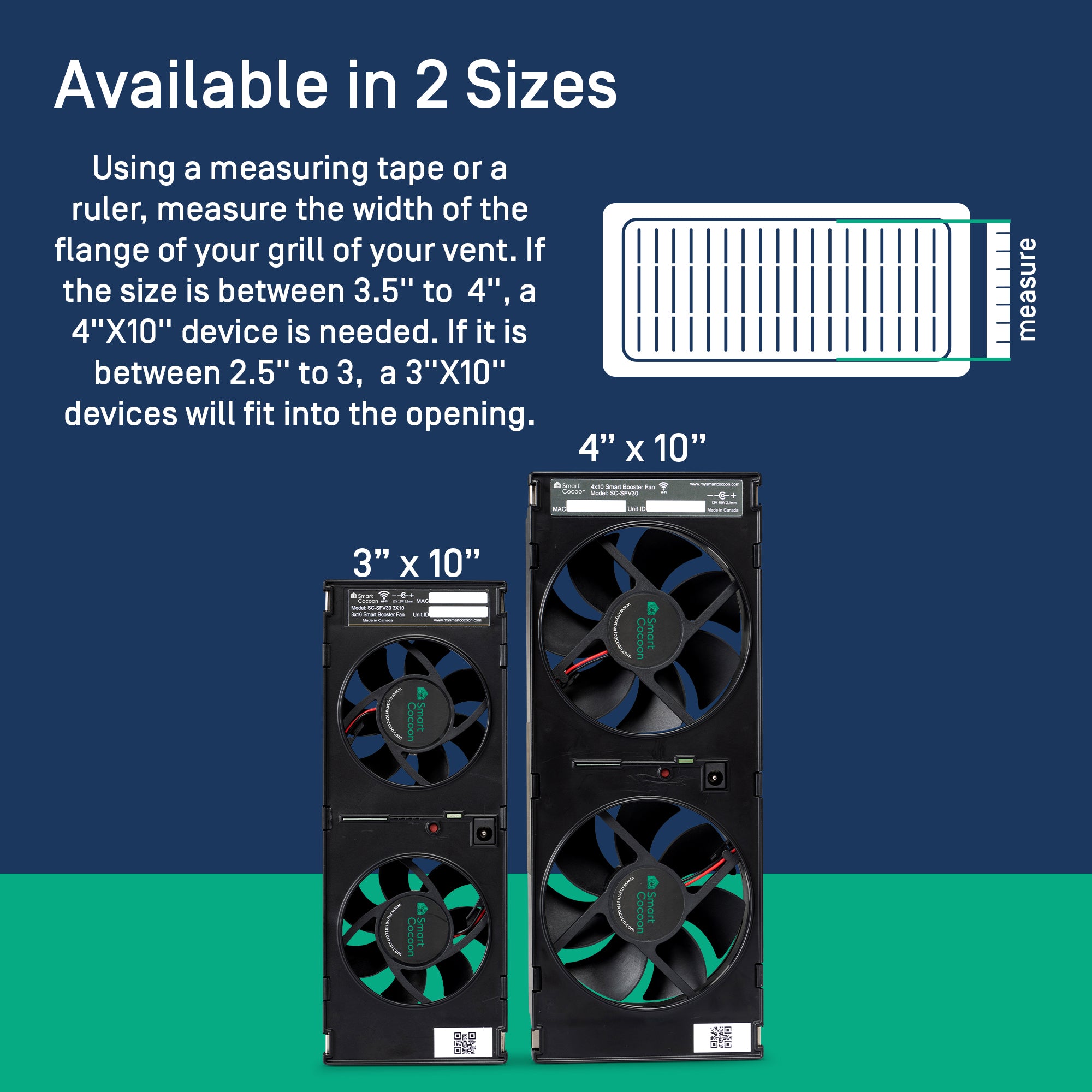
SmartCocoon booster fans are available in two sizes: 4"x10" and 3"x10".
To find the right fit:
1. Remove your vent cover.
2. Measure the length and width of the vent opening in your floor, wall, or ceiling.
3. If the width is less than 3", choose the 3"x10" fan. If it’s 3" or more, go with the 4"x10" fan.
If you have a larger vent, no problem! You can securely attach your existing vent cover and the booster fan together using screws or adhesive strips, ensuring a stable fit without affecting performance.
What is the warranty on the SmartCocoon Booster Fan?
The SmartCocoon booster fan comes with a 2-year warranty and a 30-day money-back guarantee, giving you peace of mind with your purchase. The industrial-grade fans are built to last with a lifespan of up to 50,000 hours. This is equivalent to about 17 years if used for an average of 8 hours per day, ensuring long-term performance and efficiency.